ForMiners × CryptoTech · Firmware & ASIC tuning
Firmware for Antminer T19 Hydro
The source lists these builds for the exact model below. A matching family name alone does not confirm compatibility with your unit.
Up to 30% more hashrate than stock
Where the model, power supply and cooling allow. Actual gains depend on your hardware and operating conditions.
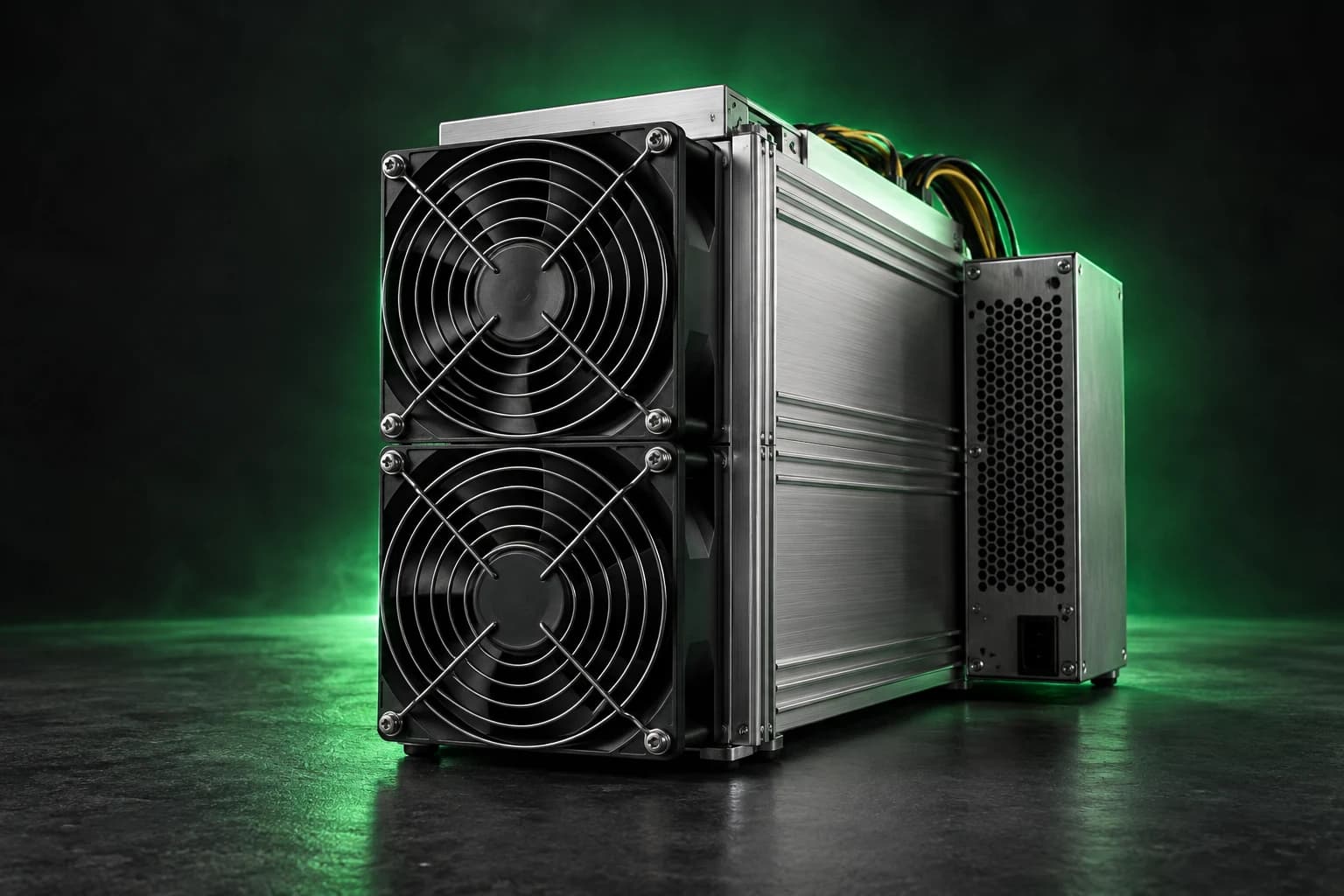
Your mining hotel. Your firmware.
Request a custom firmware variant for your mining hotel or hosting fleet. We can discuss profiles around your miner models, power limits, cooling and operating goals — then agree on compatibility and rollout.
Tell us your models, control boards, miner count, PSU ratings, cooling type and target power or hashrate. We’ll help define the right configuration.
Request custom firmware →Files for this model
Antminer T19 Hydro · xil
Stable 1.3.6- Platform
- XIL
- Version
- 1.3.6
- Installation
- NAND
- Modified
- 2026-10-09
File: ForminersAndCryptotech-t19-hydro-xil-nand-v1.3.6.tar.gz · 15.5 MiB
Download archive ↓From download to a tuned miner
Five steps to get started. The installation method depends on your model, control board and current firmware.
- 01
Match your hardware
Check the full model name, hardware revision and control-board platform. Choose the matching file below; the same model family does not guarantee compatibility.
- 02
Save your baseline
Back up your configuration and pool settings. Record stock hashrate, power and temperatures. Check PSU capacity, cooling and site power limits; confirm developer fees and the recovery procedure.
- 03
Install the correct build
Follow the installation instructions confirmed for your board and current firmware. Keep power and network stable. If the procedure is unclear, ask us before flashing.
- 04
Connect and choose a profile
Open the miner’s web interface on your local network. Check the pool URL and worker name, then start with a conservative power profile. If autotuning is available, let it finish before changing settings.
- 05
Measure, then scale
Compare accepted pool hashrate, wall power, temperatures and hardware errors with your baseline. Increase the profile gradually within equipment limits. If errors or temperatures rise, step back; test one miner before a fleet rollout.
Developer fee
The partner catalogue does not publish a developer fee for these builds. Confirm the fee and terms before installation; a downloadable file does not imply zero fees.
Get installation help
ForMiners can help with board identification, installation planning and efficiency, balanced or performance profiles. Settings depend on the device and site; hashrate gains are not guaranteed.
Get installation helpSource and availability
The stable label, version and modification dates come from Anthill. Availability is a dated link check, not a firmware security audit or a hardware test. Files remain hosted by the source.
Anthill · ForminersAndCryptotech ↗